
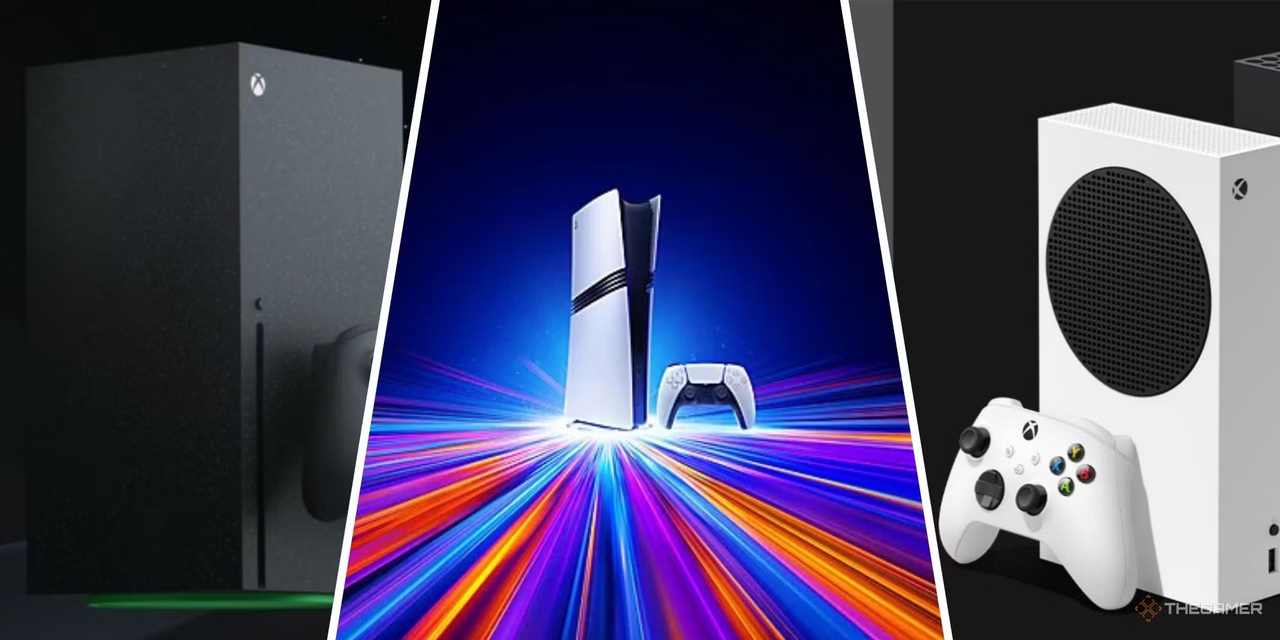

Modern console games are becoming larger, more detailed, and increasingly dependent on downloadable updates. A single major release can consume a significant portion of a console’s internal drive, while patches, downloadable content, saved captures, and digital purchases continue to increase storage demands. For players who maintain a broad collection, running out of space can quickly become frustrating.
A practical storage strategy allows gamers to keep more titles installed without constantly deleting and reinstalling them. The right approach depends on the console generation, storage interface, game requirements, and whether the player prioritizes capacity, speed, portability, or convenience. This eurogamersonline guide explores the fundamentals of console storage expansion and explains how to manage a growing game library efficiently.
Why Console Storage Fills Up So Quickly
Game storage requirements have changed dramatically. Older titles could often fit comfortably on modest hard drives, but modern releases may require tens or even hundreds of gigabytes. High-resolution textures, expansive environments, cinematic assets, frequent patches, and downloadable content all contribute to larger installation sizes.
Storage pressure also comes from files that gamers may overlook. Screenshots and video clips can accumulate over months, while multiple versions of the same game may remain installed unnecessarily. Some consoles also reserve internal space for system operations, reducing the amount of storage available for games.
For a large digital library, several factors can consume space:
- Full game installations
- High-resolution texture packs
- Seasonal and security updates
- Downloadable expansions
- Saved screenshots and gameplay videos
- Multiple game editions
- Temporary installation files
Understanding these sources makes it easier to decide whether additional storage or better organization is the real solution.
Choosing the Right Type of Expansion Storage
Not every storage device provides the same experience. External hard drives are generally attractive when capacity matters most, while solid-state storage can offer faster transfers and shorter loading times. Some newer consoles also support specially designed internal expansion drives that meet strict performance requirements.
Before purchasing storage, players should check their console’s compatibility rules. A drive that works perfectly for storing older-generation games may not be suitable for running newer titles directly. Interface standards, capacity limits, formatting requirements, and supported game types can all vary.
Hard Disk Drives for Maximum Capacity
Traditional hard disk drives remain useful for gamers who need substantial capacity at a relatively low cost. They are particularly practical for storing games that are not played every day. A large external drive can function as a library archive, allowing users to move titles between the console and external storage when needed.
The main disadvantage is speed. Mechanical drives contain moving components and generally transfer data more slowly than solid-state alternatives. They are therefore better suited to storage-heavy strategies than performance-focused setups.
Solid-State Storage for Speed
Solid-state drives use flash memory rather than mechanical components. Their faster data transfer capabilities make them appealing for gamers who frequently move large installations or want quicker access to compatible games.
However, SSD storage can cost more per unit of capacity. A smaller SSD may therefore be ideal for frequently played games, while a larger conventional drive can hold less frequently used titles. Combining the two approaches can create a balanced storage system.
Internal Expansion vs. External Storage
One of the most important decisions involves where additional storage should be installed. Internal expansion can provide a seamless experience and, on compatible consoles, may allow newer games to run directly from the expanded drive.
External storage is usually easier to install and move between compatible devices. It can also be useful for archiving games that do not need the fastest available storage performance.
The better option depends on your priorities:
| Storage Option | Main Advantage | Best For | Key Consideration |
|---|---|---|---|
| Internal SSD | Fast performance | Current-generation games | Compatibility matters |
| External SSD | Faster transfers | Frequently used games | Higher cost |
| External HDD | Large capacity | Game archives | Slower performance |
| Portable SSD | Convenience | Mobile libraries | Capacity may be limited |
A well-planned setup does not necessarily require the largest possible drive. It requires choosing storage that matches how the library is actually used.
How to Calculate Your Real Storage Needs
Buying additional storage without estimating future requirements can lead to unnecessary spending. Start by checking how much free space remains and identifying the games that occupy the most room. Then consider how frequently new titles are added.
For example, someone who installs two or three large games every month may need considerably more capacity than a player who rotates through five favorite titles. Players who frequently download major expansions should also leave a reasonable amount of free space rather than filling the drive completely.
A simple planning method is to consider:
- Current installed games
- Expected purchases over the next year
- Average installation size
- Expansion and update requirements
- Media and capture files
- Space needed for system operations
- Games kept as long-term archives
This approach helps create a realistic capacity target instead of choosing storage based solely on the biggest number available.
Organizing a Large Game Library
More storage does not automatically create better organization. A poorly managed large library can become just as difficult to navigate as a small drive that is constantly full.
Create logical categories based on playing habits. Frequently played games should remain readily accessible, while completed campaigns and rarely used multiplayer titles can be moved to archive storage. Games that are no longer played can be removed entirely if they can easily be downloaded again.
Use a Three-Level Library System
A simple three-level system works particularly well.
Level one: Active games. Keep your current favorites and games you play regularly on the fastest available storage.
Level two: Rotation games. Store titles you occasionally revisit but do not need immediately available.
Level three: Archive games. Move completed or rarely played titles to larger external storage where they can remain available without occupying premium internal space.
This method prevents the console from becoming cluttered while ensuring important games remain easy to access. The eurogamersonline approach emphasizes treating storage as an organized library rather than simply a container that should be filled to capacity.
Managing Game Updates Efficiently
Updates can quietly consume significant storage over time. A game that originally required a moderate installation may become much larger after years of patches and downloadable content.
Regularly review installed games and determine whether every component is still necessary. Some titles include optional language packs, texture packages, or downloadable features that may not be useful to every player.
It is also helpful to avoid keeping multiple editions of a game unless there is a specific reason. If both a trial version and full version are installed, for example, removing unnecessary files can immediately recover space.
Before deleting anything, verify what the files represent. Saved progress and important user data should always be treated differently from removable game installations.
Protecting Your Expanded Storage
Storage devices contain valuable purchases, installations, and personal media, so reliability matters. External drives should be handled carefully, especially when they are frequently moved between locations.
Avoid disconnecting storage while the console is actively reading or writing data. Use the console’s proper removal procedure whenever the system provides one. Physical protection is equally important for portable drives because drops and impacts can damage conventional mechanical drives.
Good storage habits include:
- Keep external drives in a stable location.
- Avoid unnecessary cable movement.
- Do not cover devices in ways that restrict ventilation.
- Safely disconnect external storage.
- Maintain backups of important personal media.
- Monitor unusual noises or repeated connection failures.
A storage expansion strategy should improve convenience without introducing avoidable reliability problems.
Freeing Space Without Losing Your Favorite Games
When storage becomes limited, deletion does not have to be the first solution. Begin with low-value files such as duplicate clips, old screenshots, unused media, and games that have not been touched for months.
Next, consider moving compatible games to external storage. This preserves the installation while freeing internal capacity for newer titles.
Players should also review whether they actually need every installed expansion. Large downloadable components can sometimes occupy substantial space even when they are rarely used.
A useful cleanup session can follow this order:
- Remove duplicate media.
- Delete abandoned games.
- Move rarely played titles to archive storage.
- Review optional game content.
- Check for unnecessary duplicate installations.
- Keep adequate free internal space.
This process can recover substantial capacity without forcing players to remove their most important games.
Storage Expansion and Download Management
Internet speed also influences the ideal storage strategy. Players with fast, reliable broadband may be comfortable deleting large games and reinstalling them later. Those with slower or limited connections may benefit more from maintaining an extensive archive on external storage.
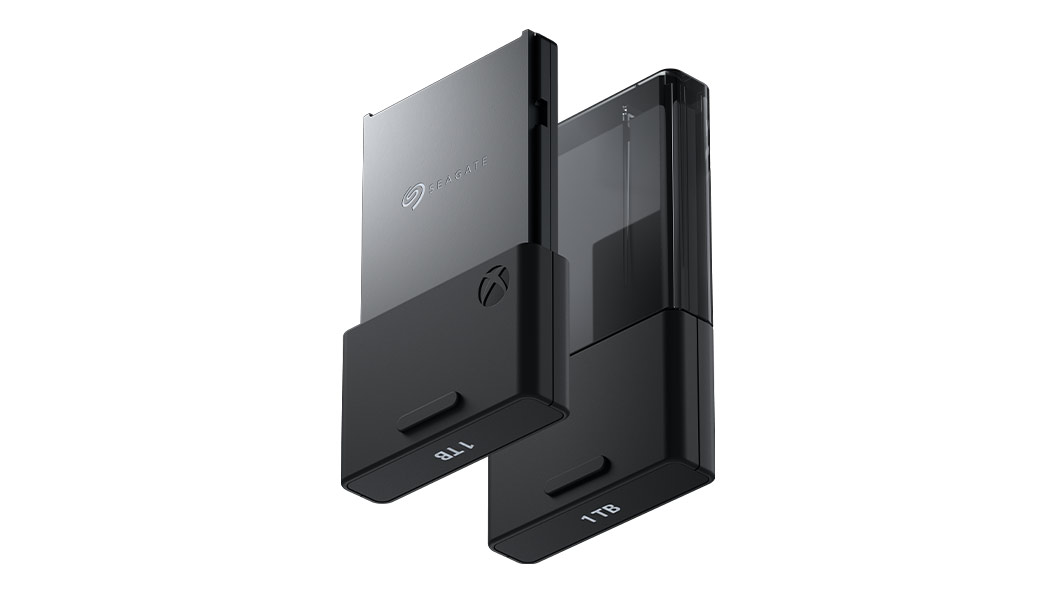
Download size should therefore be considered alongside storage capacity. A 1 TB drive may appear sufficient, but repeatedly downloading enormous installations can become inconvenient if games are frequently removed.
For players with limited bandwidth, keeping frequently revisited games archived can save both time and data usage. For players with fast connections, a smaller high-speed drive combined with selective downloads may be enough.
Planning Storage for Future Console Generations
Storage needs are unlikely to shrink as game technology develops. Higher-quality assets, more expansive environments, advanced audio, and increasingly detailed worlds can continue pushing installation sizes upward.
Instead of buying exactly enough storage for today’s library, consider future growth. A drive with additional capacity can remain useful for years, while an undersized solution may need replacing sooner than expected.
The eurogamersonline perspective is simple: plan storage around the library you expect to have, not just the collection you currently own. A little additional capacity can provide considerable convenience over time.
Balancing Performance, Capacity, and Cost
There is no universally perfect storage configuration. The best setup balances three major factors: performance, capacity, and price.
Gamers who prioritize fast access should focus on compatible SSD solutions. Those who want the largest possible library at lower cost may prefer high-capacity HDD storage. Players who want both benefits can divide their collection between faster active storage and larger archival storage.
Think of storage as a tiered system rather than a single purchase. The games you play every day deserve the fastest and most accessible space. Older titles can occupy slower but larger storage without affecting everyday convenience.
Smart Habits for Long-Term Storage Management
Good storage management becomes much easier when it becomes routine. Instead of waiting until the console displays a low-space warning, review the library periodically.
Every few months, examine installed games and ask whether each one still deserves its current storage position. Move older titles to an archive, remove unused content, and clear unnecessary captures.
It is also useful to maintain a simple mental distinction between ownership and installation. Deleting a downloadable game from the console does not necessarily mean losing the ability to access it later, provided the purchase remains associated with the appropriate account and the title is still available.
The eurogamersonline storage strategy therefore focuses on flexibility: install what you need, archive what you may revisit, and remove what no longer serves a purpose.
Conclusion
Console storage expansion is more than purchasing a larger drive. It is about creating a practical system for managing an increasingly large digital library. By understanding the difference between HDD and SSD storage, checking console compatibility, calculating realistic capacity requirements, and separating active games from archived titles, gamers can reduce clutter and avoid constant storage warnings.
A smart setup also protects valuable data and makes future upgrades easier. Instead of treating every gigabyte as equally important, prioritize fast storage for frequently played games and use high-capacity options for titles that can remain archived. Ultimately, the best storage strategy is one that matches your gaming habits, budget, internet connection, and expected library growth. With thoughtful planning and regular organization, even a massive collection can remain manageable, accessible, and ready whenever you want to play.

